
💡 摘要
Wox是一个跨平台的启动器,用于快速访问应用程序、文件等。
🎯 适合人群
🤖 AI 吐槽: “Wox作为单个可执行文件运行,可能会使用户面临任意代码执行的风险,尤其是如果可执行文件被篡改。为降低风险,用户应仅从官方发布页面下载。”
Wox作为单个可执行文件运行,可能会使用户面临任意代码执行的风险,尤其是如果可执行文件被篡改。为降低风险,用户应仅从官方发布页面下载。
Wox



Wox is a cross-platform launcher that simply works. It's an open-source alternative to Alfred and Raycast
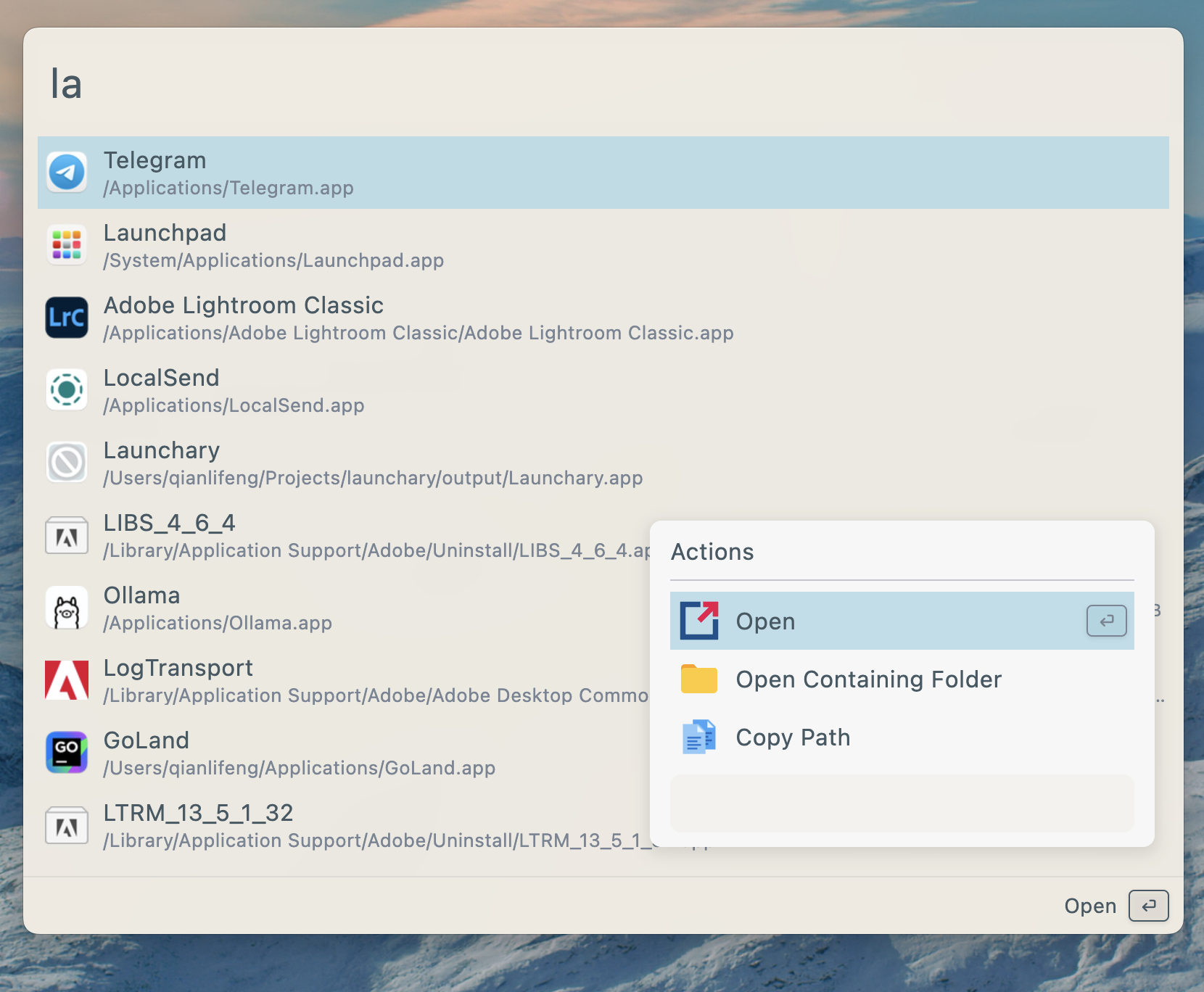
Features
- Search for applications, folders, files and more
- AI Chat with MCP support
- Plugins and Themes
- Single executable file, no installation required
- Develop plugins with Javascript, Python
Install
| Platform | Method | Command/Instructions |
| ------------- | -------- | --------------------------------------------------------------------------------------------------------- |
| All Platforms | Manual | Download from releases and run the single executable file |
| macOS | Homebrew | brew tap wox-launcher/wox && brew install wox |
| Arch Linux | AUR | yay -S wox-bin or use your preferred AUR helper |
Linux Dependencies
| Dependency | Link | Description | Install |
| ---------- | ------------------------------------------- | -------------------------------------------- | --------------------------- |
| keybinder | https://github.com/kupferlauncher/keybinder | For recording the double modifier key hotkey | apt install keybinder-3.0 |
Due to the large number of Linux distributions, we only test Wox on Ubuntu. We cannot guarantee that it will work properly on other Linux platforms.
Usages
| Action | Shortcut | | ------------- | ---------------------------------------------------- | | Toggle App | Alt/Command + Space | | Show Actions | Alt/Command + J | | Cancel/Return | Esc |
Contribution
- First and most importantly, star it!
- Send PR
- Join discussions
Documentation
Sponsors
- SignPath sponsors our free Windows code signing.
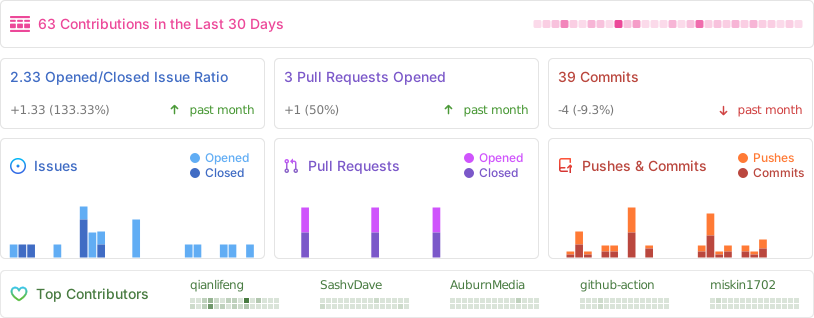
Project Activity
优点
- 跨平台兼容性
- 单个可执行文件,无需安装
- 支持插件和主题
- AI聊天功能
缺点
- 在除Ubuntu之外的Linux发行版上测试有限
- 在Linux上可能需要额外的依赖
- 相较于成熟的替代品知名度较低
- 新用户可能需要一定的学习曲线
相关技能
免责声明:本内容来源于 GitHub 开源项目,仅供展示和评分分析使用。
版权归原作者所有 Wox-launcher.